




Description
Download MP3 Music Download – Free Audio Tool for Android
Overview
MP3 Music Download is a desktop-like utility designed for Android users seeking a straightforward way to access and download music in MP3 format. The application falls under the 'Audio' category and aims to simplify the process of finding and saving audio files directly to a mobile device. It is intended for casual users and music enthusiasts who prefer offline listening without relying on streaming platforms. The app was developed by Sipai Apps and released on June 5th, 2017, with version 1.3. It supports Android 4.3 and above, making it accessible to a wide range of older and newer devices. The software is free to download and use, with no in-app purchases or subscription models mentioned. Real-world usage scenarios include downloading songs from public sources, organizing personal music libraries, and transferring files to other devices. The developer did not provide additional information about the app’s backend or data sources. As such, users are advised to exercise caution when downloading content from unknown origins.
Key Features & Capabilities
- MP3 File Download – Enables users to search for and download audio files in MP3 format, a widely supported standard for music playback.
- Simple Search Interface – Offers a basic search function to locate songs, artists, or albums without requiring advanced technical knowledge.
- Offline Music Storage – Allows users to save downloaded tracks locally on the device for playback without internet access.
- English Language Support – The app operates exclusively in English, ensuring clarity for users familiar with the language.
- Lightweight Design – With a file size of 11.2 MB, the app is optimized for devices with limited storage capacity.
These features support basic audio management tasks. For example, a user might search for a popular song, download it in MP3 format, and store it in their device’s music folder for later playback. The app does not include advanced editing, tagging, or cloud synchronization features. It is not designed for professional audio production or large-scale music libraries. Instead, it serves as a minimal tool for users who need quick access to MP3 files without navigating complex interfaces. The developer did not specify the sources of the audio files, so users should be aware of potential legal or quality concerns when using the app.
User Interface, Workflow & Performance
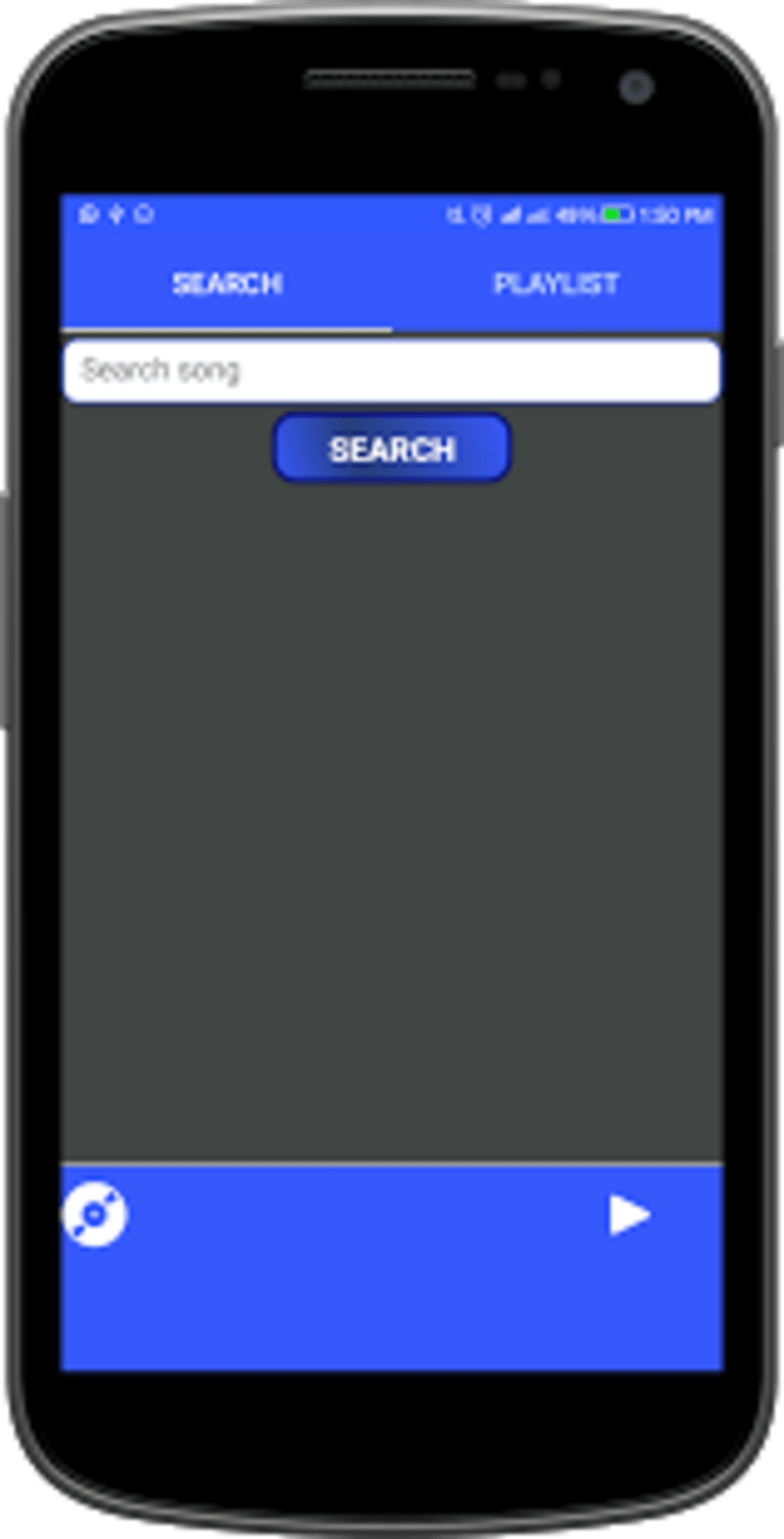
The user interface of MP3 Music Download appears to be minimalistic, focusing on core functionality. Navigation is likely centered around a search bar, results list, and download button, following common patterns in mobile audio apps. The workflow is expected to be linear: search → select → download → access. The app’s lightweight size suggests efficient memory usage, but exact performance details were not specified. The developer did not provide information about CPU or RAM consumption during operation. Stability and responsiveness may vary depending on the device and network conditions. Performance observations are based on general software behavior patterns. The app does not include real-time progress indicators or background download management, which could affect user experience during slow connections. However, it is designed to function without requiring high-end hardware, making it suitable for older Android devices. No reports of crashes or freezes were mentioned in the provided data.
Compatibility & System Requirements
MP3 Music Download is designed to run on Android 4.3 and later versions, ensuring compatibility with a broad range of devices released since 2013. The app is available exclusively for Android platforms, with no information on iOS or desktop support. The installation size is 11.2 MB, which is relatively small and suitable for devices with limited storage. The developer did not specify exact hardware requirements such as processor speed, RAM, or available storage beyond the OS version. The app operates only in English, which may limit accessibility for non-English speakers. Platform compatibility information is limited to the OS version and file size. Users should ensure their device meets the minimum Android 4.3 requirement before attempting installation. No additional dependencies or third-party libraries were mentioned.
Pros and Cons
Pros
- Free to download and use with no hidden costs
- Lightweight size (11.2 MB) ideal for low-storage devices
- Supports Android 4.3 and above, ensuring broad compatibility
- Simple interface suitable for non-technical users
- Offline playback capability for downloaded MP3 files
Cons
- No information on audio source reliability or legality
- Only available in English, limiting global accessibility
- Limited to Android platform; no desktop or iOS version
- No advanced features like tagging, playlist management, or cloud sync
- Performance and resource usage details not disclosed
FAQ Section
Is MP3 Music Download safe to use?
The app itself is free and available through Softonic, but users should be cautious when downloading music from unverified sources. The developer did not provide information on content verification or security protocols.
Can I use MP3 Music Download offline?
Yes, once a song is downloaded, it can be played without an internet connection, as the files are stored locally on the device.
Does the app support iOS or Windows?
No, the app is only available for Android devices. There is no official version for iOS or desktop operating systems.
How often is the app updated?
The current version is 1.3, released on June 5th, 2017. No information was provided about future updates or update frequency.
Is MP3 Music Download free?
Yes, the app is free to download and use. There are no in-app purchases or subscription models mentioned in the provided data.
Final Thoughts + CTA
MP3 Music Download offers a no-frills solution for Android users who need to download and store MP3 files locally. Its lightweight design, simple interface, and broad compatibility make it a viable option for basic audio downloading tasks. While it lacks advanced features and transparency about content sources, it serves its intended purpose for casual users seeking offline music access. The app is best suited for individuals with older Android devices or those who prefer minimal tools without complex settings. However, users should be mindful of the legal and quality implications of downloading audio from unknown platforms. For those looking for a secure, feature-rich music manager, this app may not meet all needs. Still, as a basic utility, it delivers on simplicity and accessibility. Download MP3 Music Download now.
Guides & Tutorials for MP3 Music Download
How to install MP3 Music Download
- Click the Preview / Download button above.
- Once redirected, accept the terms and click Install.
- Wait for the MP3 Music Download download to finish on your device.
How to use MP3 Music Download
This software is primarily used for its core features described above. Open the app after installation to explore its capabilities.
User Reviews for MP3 Music Download 0
No reviews found





